
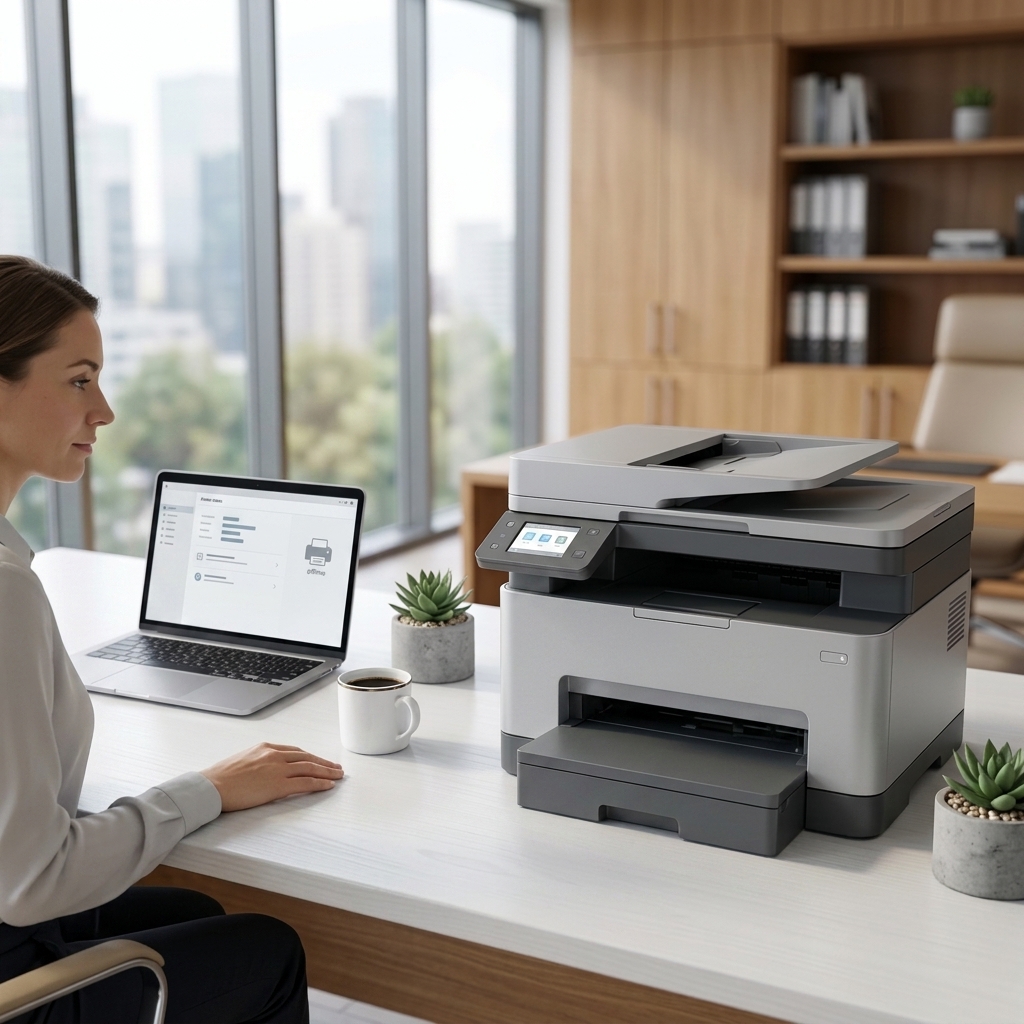
 Troubleshooting · Easy
Printer Offline
Restore communication between your printer and computer or network.
Open guide →Search by symptom or filter the guide library by topic.
Troubleshooting · EasyRestore communication between your printer and computer or network.
Open guide → Setup · Easy
Connect a compatible printer securely to your home or office Wi-Fi network.
Open guide → Paper Handling · Easy
Remove jammed paper safely and reduce the chance of another jam.
Open guide → Print Quality · Intermediate
Resolve faded output, streaks, banding, smudges, or missing colors.
Open guide → Software & Drivers · Intermediate
Install or refresh printer software using safe, manufacturer-provided resources.
Open guide → Scanning · Intermediate
Restore scanning from an all-in-one printer to a computer or mobile device.
Open guide → Ink & Toner · Easy
Check cartridge installation, contacts, packaging seals, and compatibility.
Open guide →Troubleshooting · EasyWork through power, queue, connection, paper, and supply checks.
Open guide → Maintenance · Easy
Keep a printer clean, ventilated, aligned, and ready for reliable use.
Open guide →Choose the guide that most closely matches your device, connection, or symptom.
Choose the scene that best matches your printer setup or symptom.
