Safety note: Turn off and unplug the printer before reaching into internal paper paths. Allow laser printers to cool. Do not use sharp tools or force covers and components.
Step-by-step checks
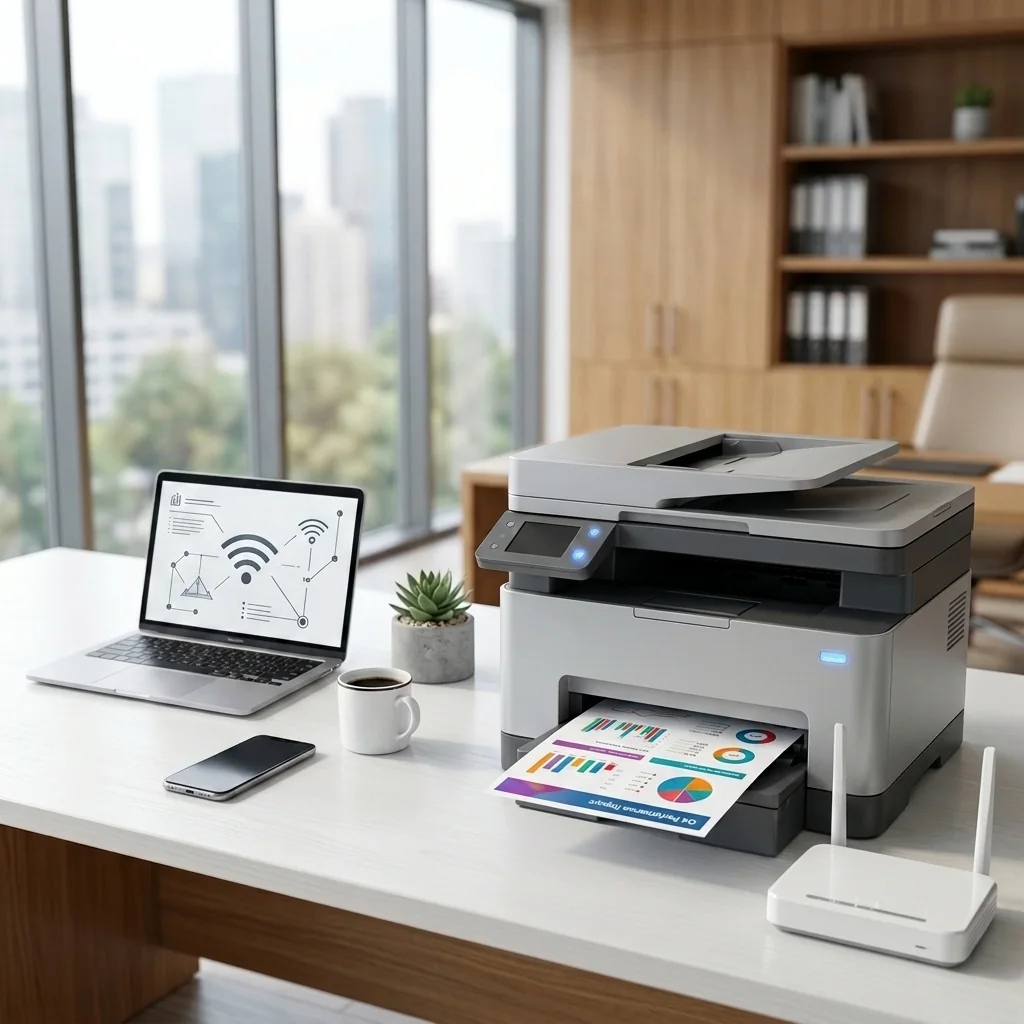
- Place the printer within reliable range of the router.
- Confirm the Wi-Fi network name and password without sharing them with this website.
- Open the printer network or wireless setup menu.
- Select your network and enter the password on the printer.
- Wait for the wireless indicator to become steady.
- Add the printer from Windows, macOS, iOS, or Android settings.
- Print a wireless network report and save it for future reference.
Check the result
After each major change, print a small test page or retry the original task. Stop repeating cleaning cycles or resets when the result does not improve.
When to stop troubleshooting
Disconnect power and contact a qualified repair professional if the printer sparks, smells burnt, overheats, has liquid damage, a damaged power cable, grinding mechanical noise, or requires major disassembly.
Frequently asked questions
The guide focuses on ordinary user-accessible checks. Follow the printer manual, avoid forcing parts, and stop when a step requires internal repair.
No. Do not permanently disable firewall or security protection. Allow only trusted manufacturer applications when needed.
No. STS STAR is an independent educational resource and is not affiliated with printer manufacturers.