
Learn the essentials
Printer Education Center
Understand how printers, drivers, wireless connections, ink, toner, scanning, and maintenance work.
How Wireless Printing Works
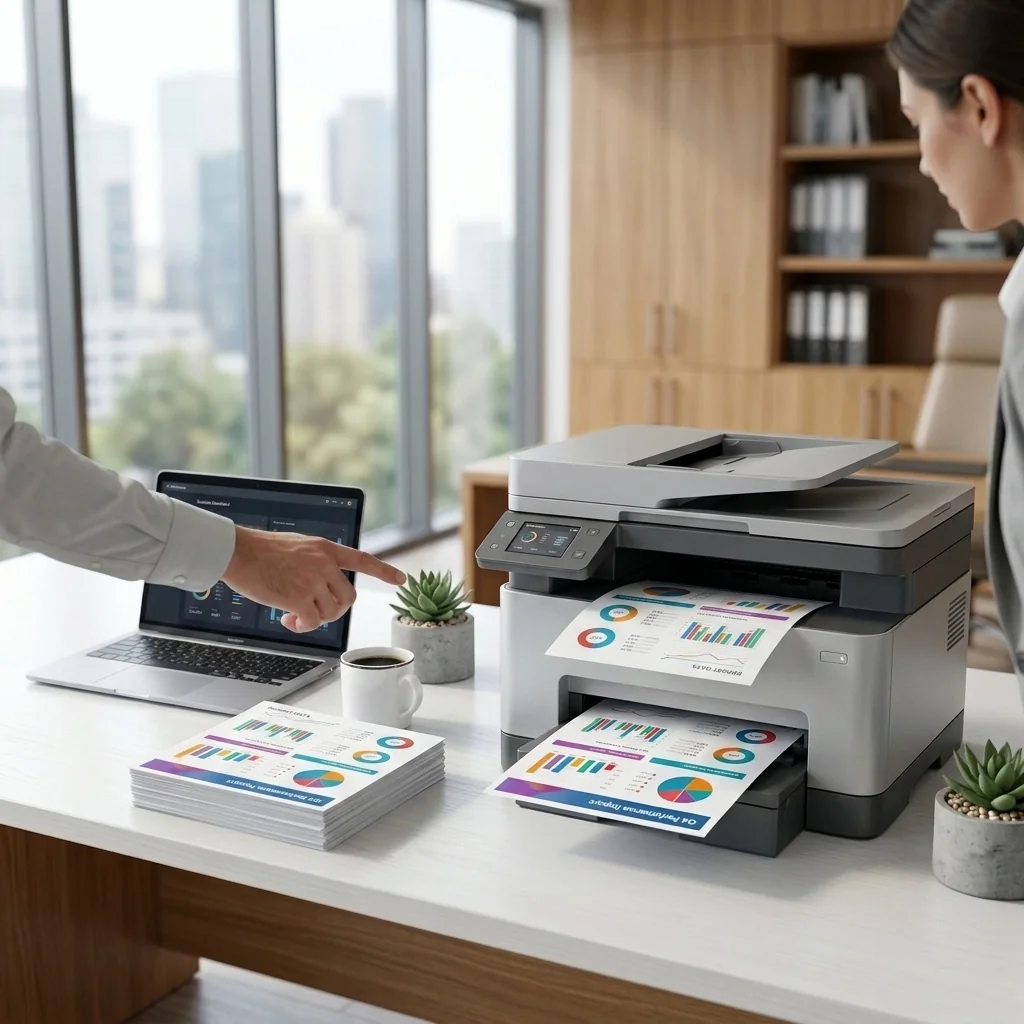
A printer and sending device usually communicate through the same local network, Wi-Fi Direct, or a supported cloud/app service.
Drivers Explained
A printer driver translates documents and system commands into instructions the printer can process.
Ink vs. Toner
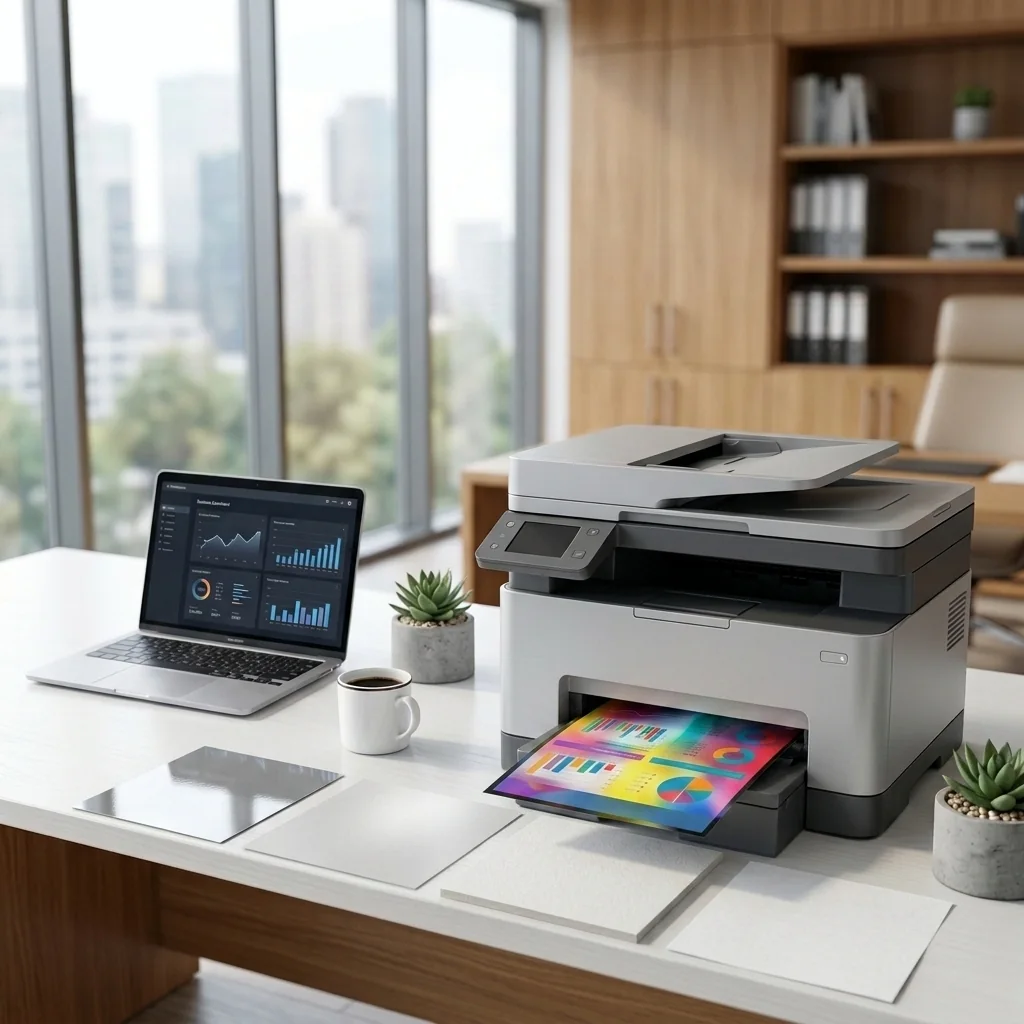
Inkjet printers use liquid ink; laser printers use powdered toner and an imaging process involving heat.
Duplex Printing
Automatic duplexing prints both sides with less manual handling. Availability varies by model and paper type.
Print Resolution
DPI describes dot density, but output quality also depends on paper, supplies, source quality, and print technology.
Safe Maintenance
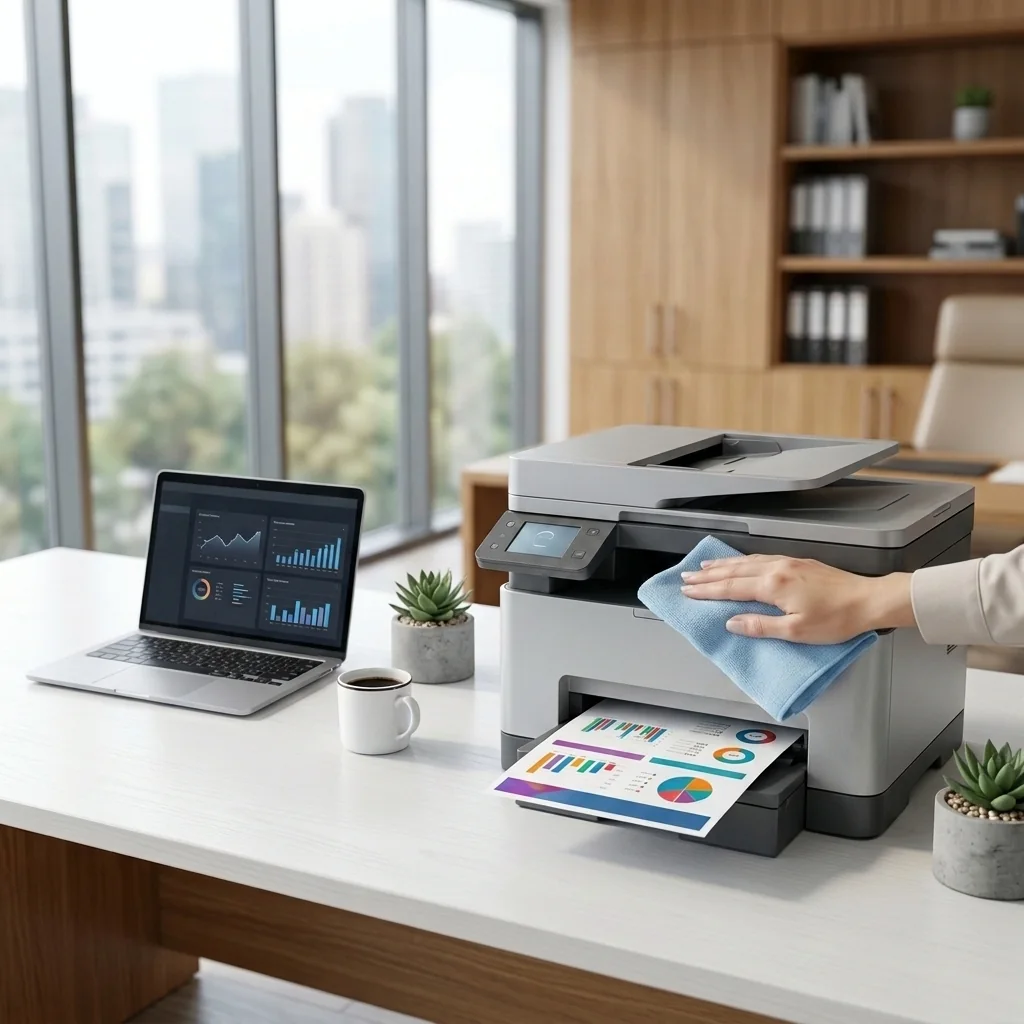
Use manufacturer maintenance tools and avoid opening electrical, laser, or hot fuser assemblies.
Explore more
Education library
Choose the guide that most closely matches your device, connection, or symptom.
Visual resources
Browse the Visual Learning Library
See additional printer workflows without overloading the main education pages.
Open Visual Library