
STS STAR
Printer Troubleshooting
Work through common printing, connection, scanner, driver, and supply problems.

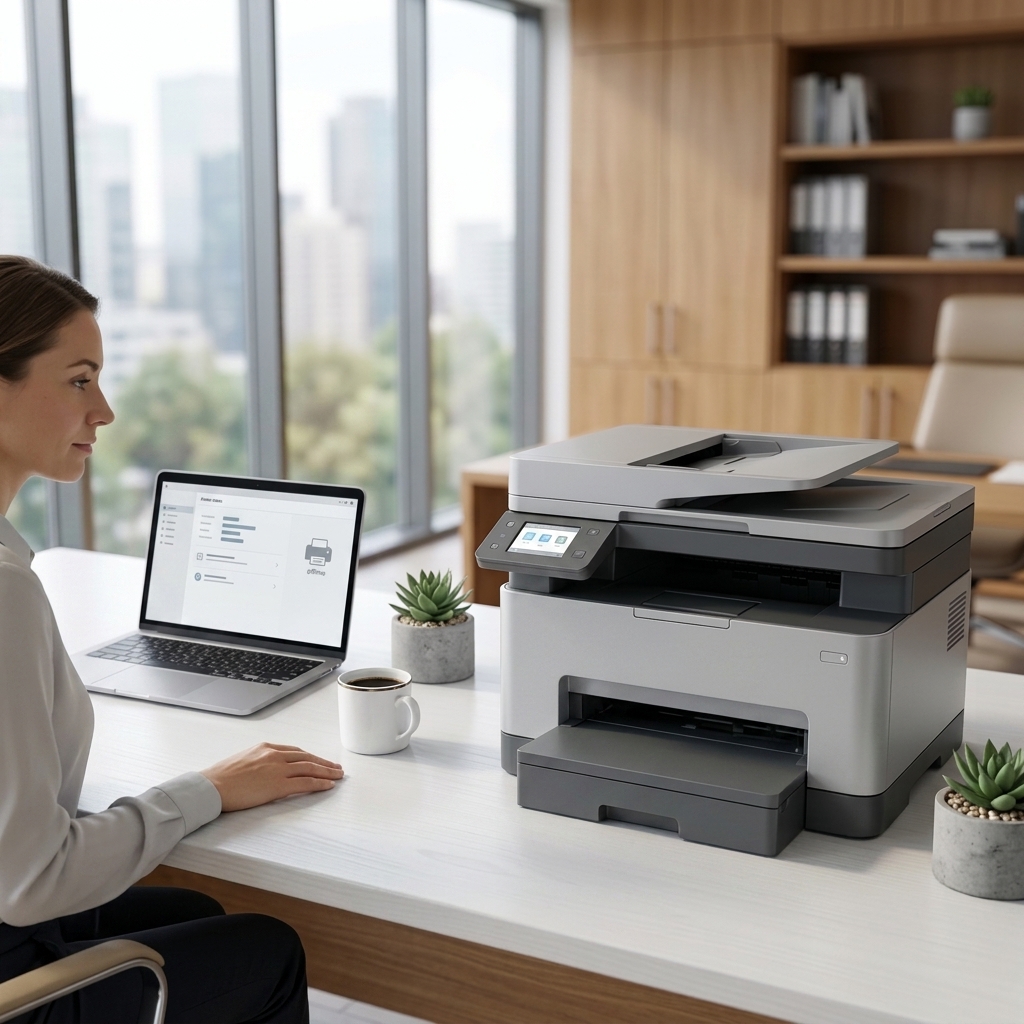
Printer Offline
Restore communication between your printer and computer or network.
Read guide →
Paper Jam
Remove jammed paper safely and reduce the chance of another jam.
Read guide →
Poor Print Quality
Resolve faded output, streaks, banding, smudges, or missing colors.
Read guide →
Printer Driver Installation
Install or refresh printer software using safe, manufacturer-provided resources.
Read guide →
Scanner Not Working
Restore scanning from an all-in-one printer to a computer or mobile device.
Read guide →
Ink or Toner Not Recognized
Check cartridge installation, contacts, packaging seals, and compatibility.
Read guide →Printer Not Printing
Work through power, queue, connection, paper, and supply checks.
Read guide →Explore more
More troubleshooting guides
Choose the guide that most closely matches your device, connection, or symptom.