
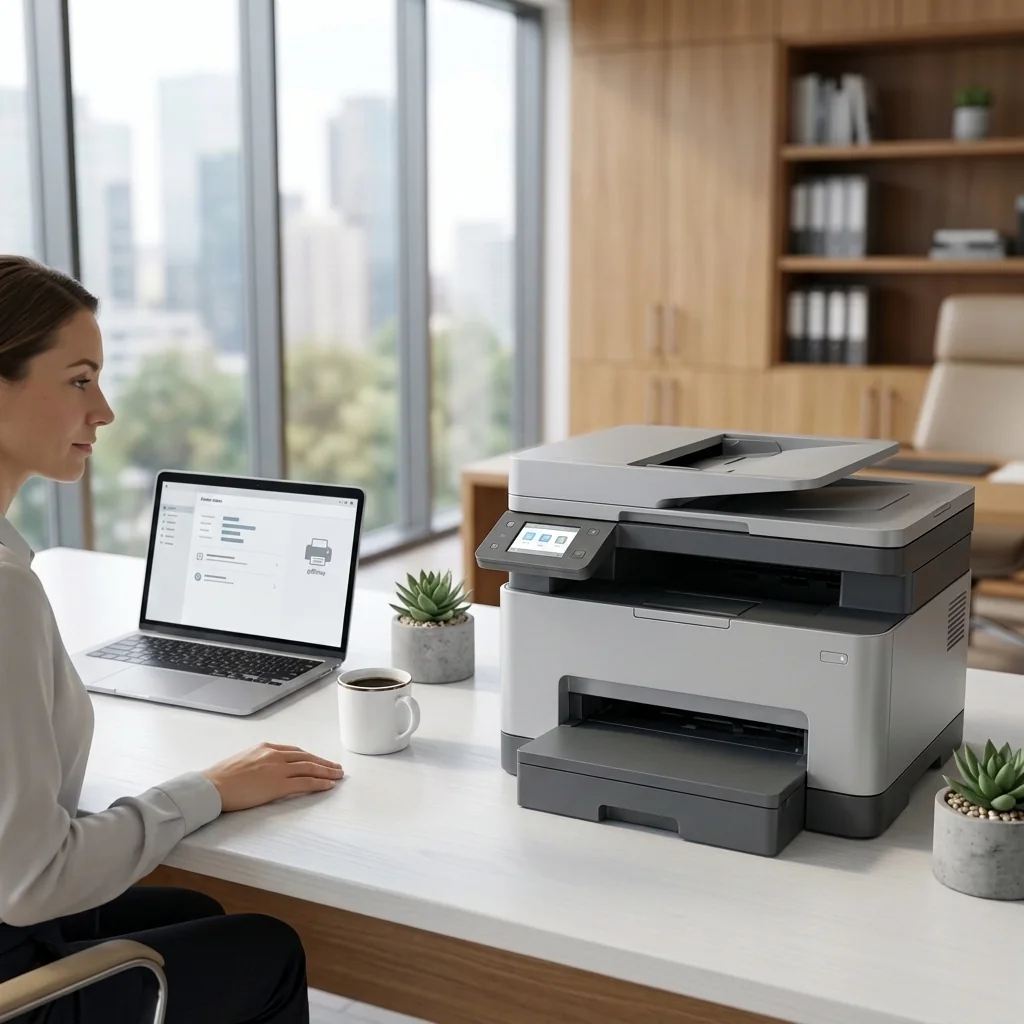
Connectivity
Printer Offline & Connection Problems
Learn how to check the printer, network, queue, default-device settings, and operating-system connection status.
Open offline guide →Explore detailed setup, connectivity, maintenance, and troubleshooting guides designed to help home and office users understand and resolve common printer issues.
Start with the issue that best matches what you are seeing.
Restore communication between your printer and computer or network.
View guide →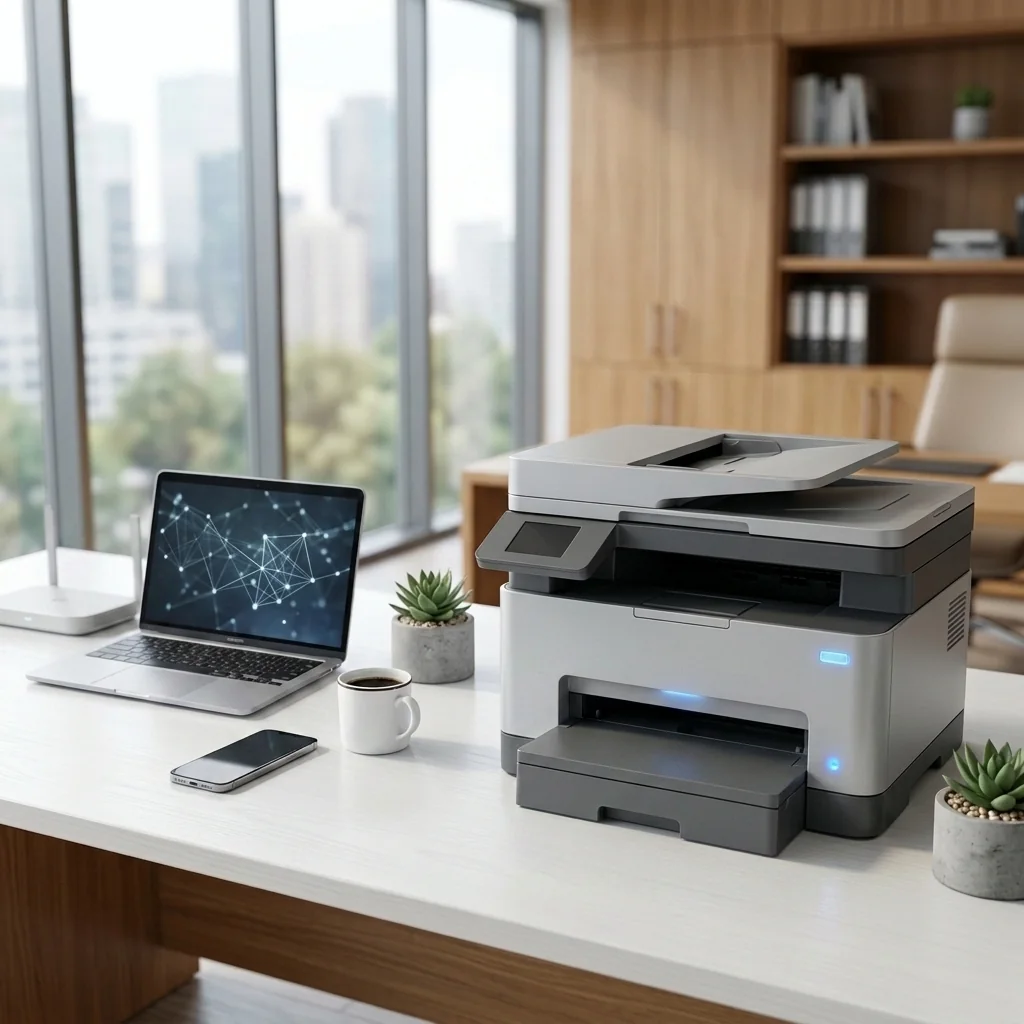
Connect a compatible printer securely to your home or office Wi-Fi network.
View guide →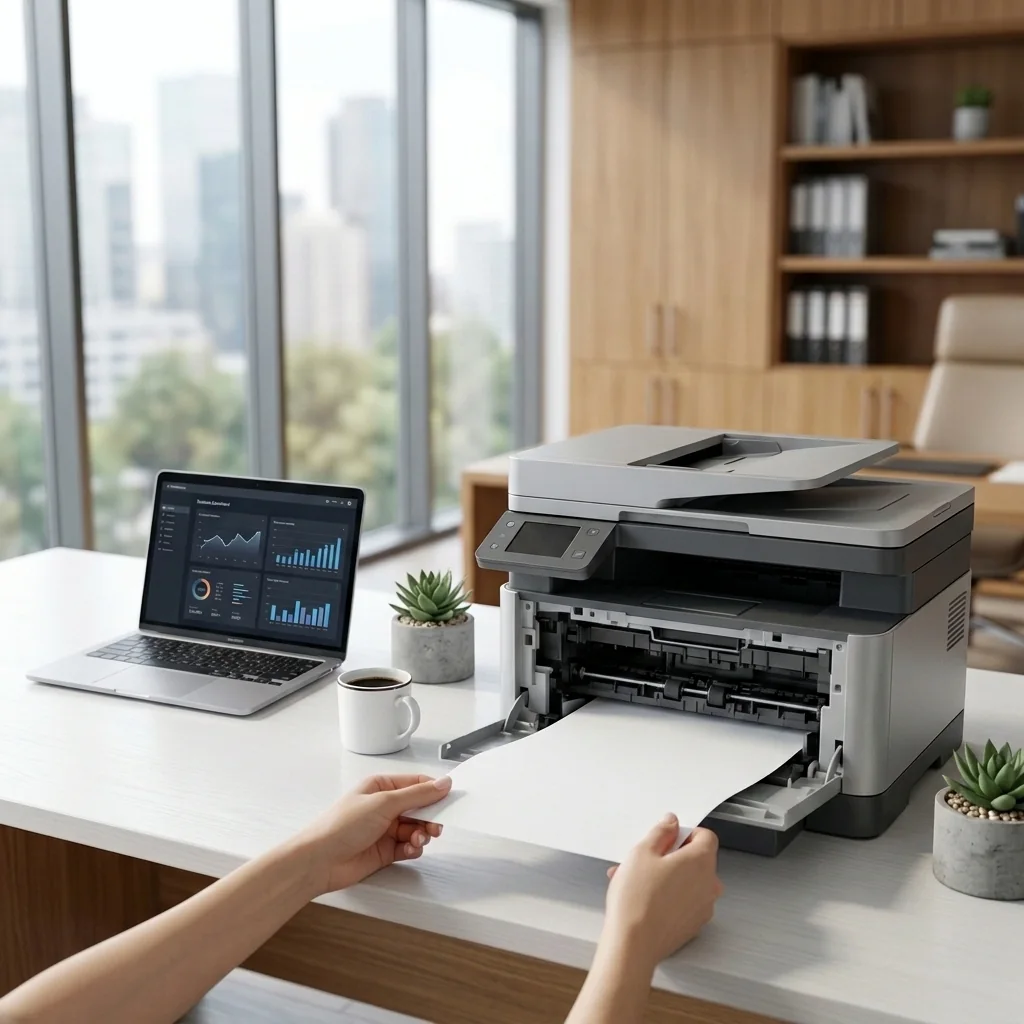
Remove jammed paper safely and reduce the chance of another jam.
View guide →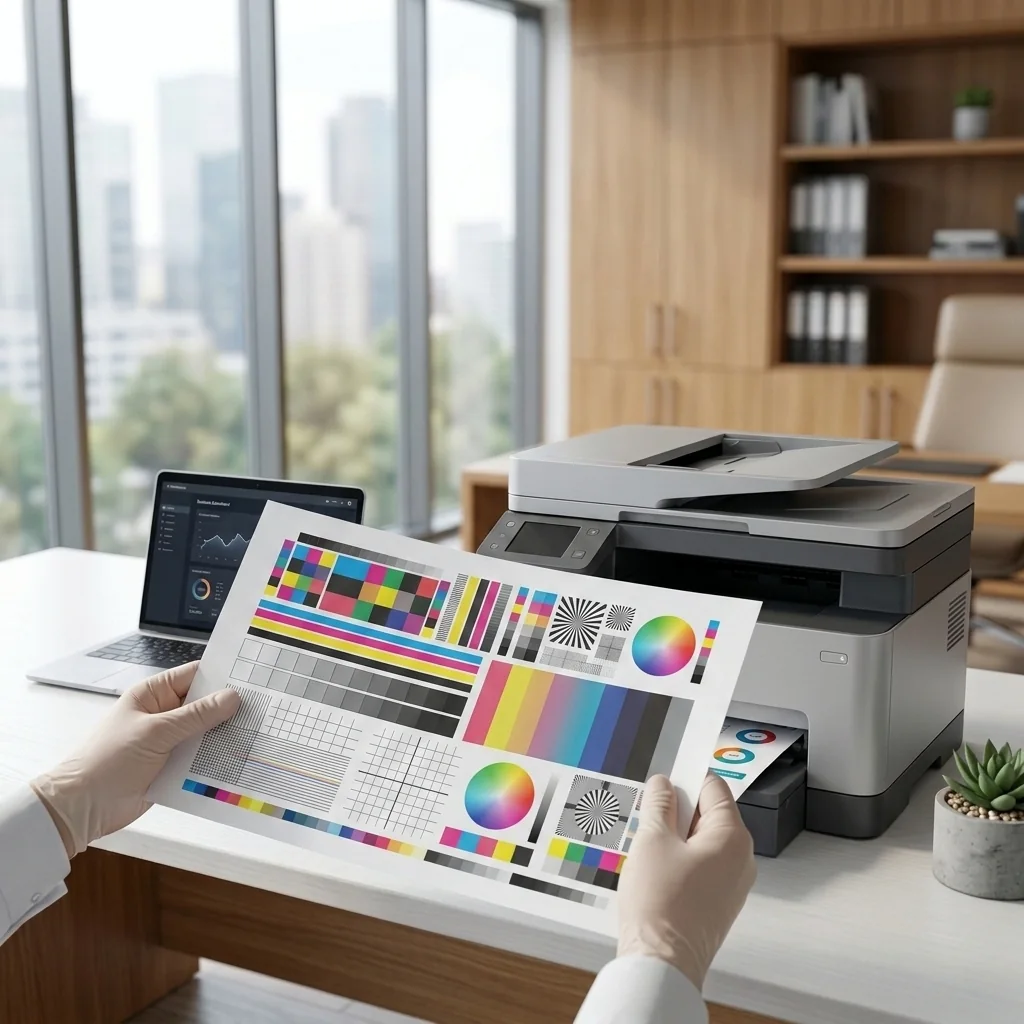
Resolve faded output, streaks, banding, smudges, or missing colors.
View guide →
Install or refresh printer software using safe, manufacturer-provided resources.
View guide →
Restore scanning from an all-in-one printer to a computer or mobile device.
View guide →More common issues
Clear illustrations and real-world examples help you recognize the problem and follow each guide with confidence.
Learn how to check the printer, network, queue, default-device settings, and operating-system connection status.
Open offline guide →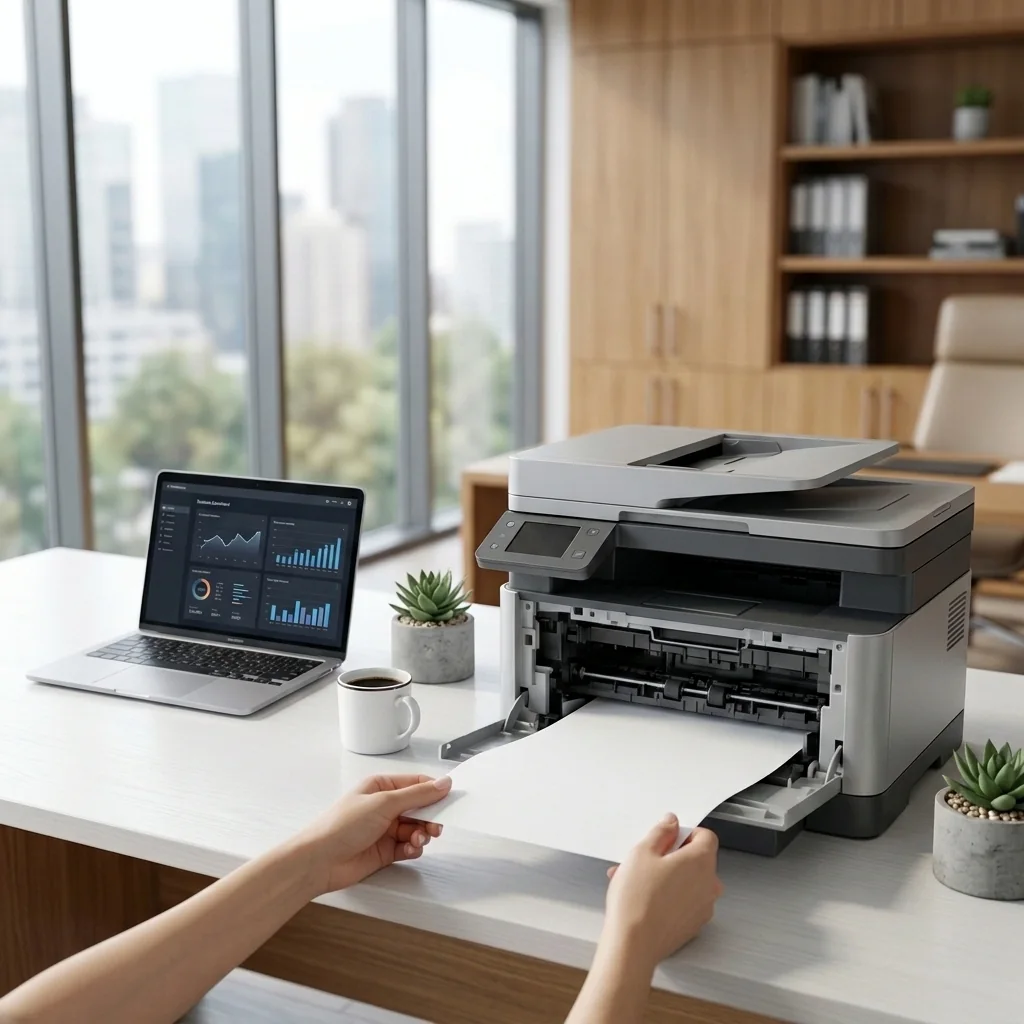
Identify common jam locations and remove paper without forcing rollers, covers, or internal components.
Open paper jam guide →
Use nozzle checks, cleaning, alignment, paper settings, and cartridge checks to improve print output.
Open print quality guide →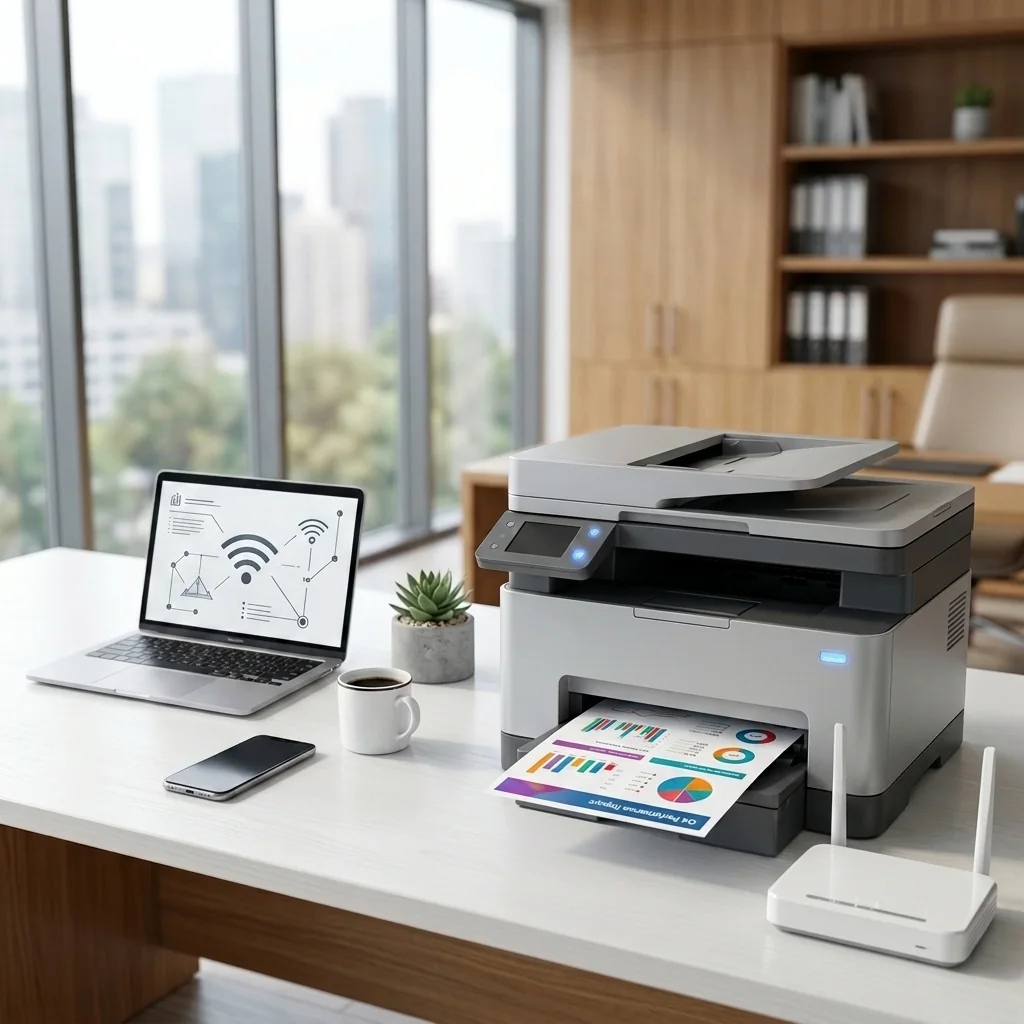
Understand network names, passwords, Wi-Fi bands, router distance, guest networks, Wi-Fi Direct, and reconnecting after router changes.
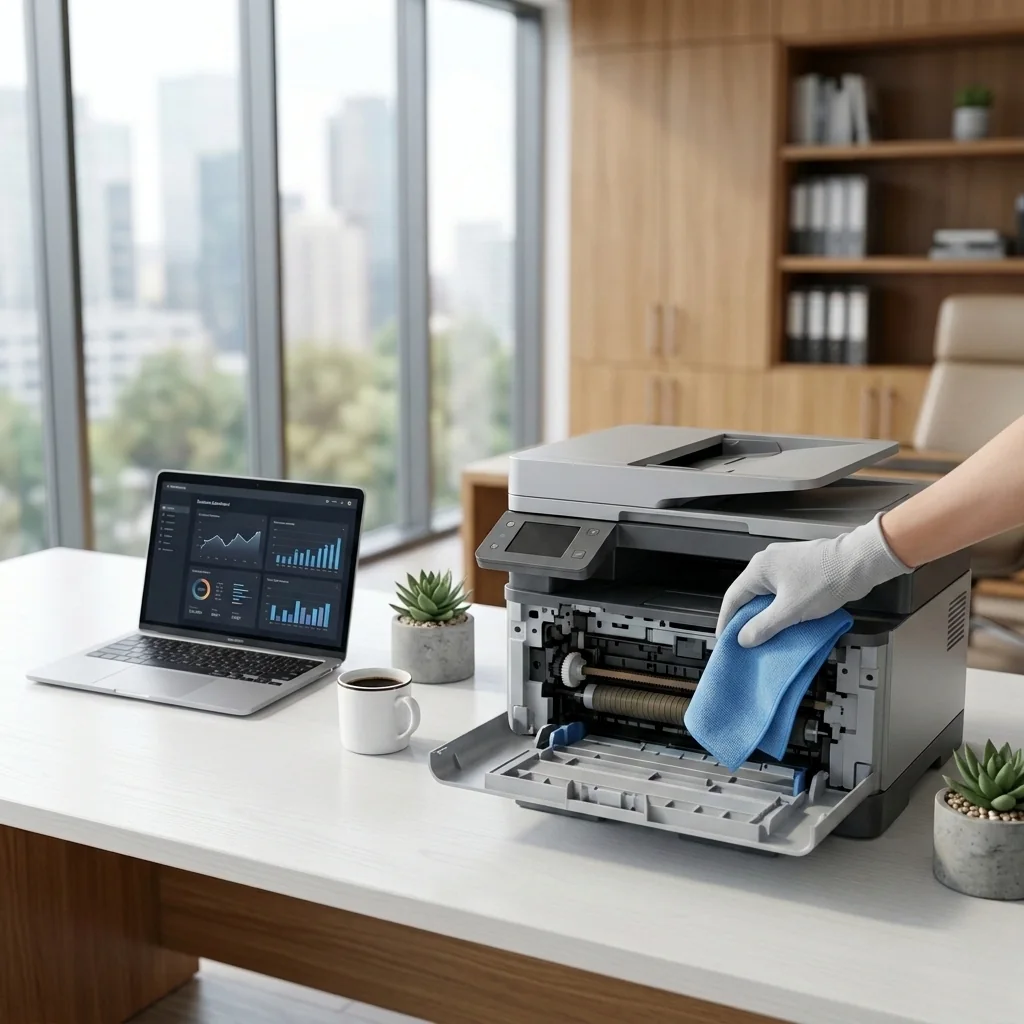
Learn practical maintenance habits for cartridges, print heads, paper paths, rollers, scanners, and safe cleaning.
Use search, categories, and clear symptom descriptions to find the closest guide.
Complete safe checks in order and test the printer after important changes.
Electrical damage, smoke, heat, liquid exposure, or major disassembly require qualified service.
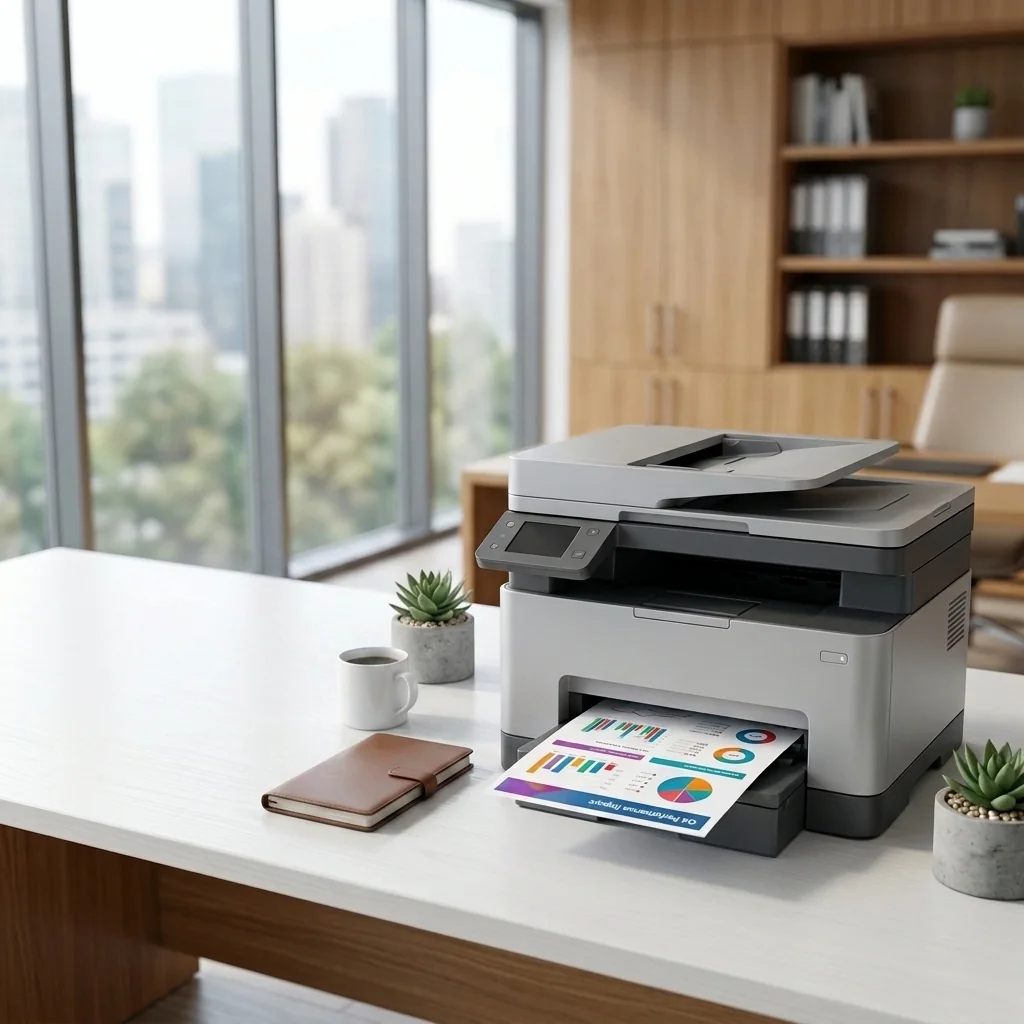
Browse setup, troubleshooting, maintenance, and learning resources organized by symptom.
Continue →Search the help center, browse step-by-step topics, or contact STS STAR for general guidance finding the right educational resource.