
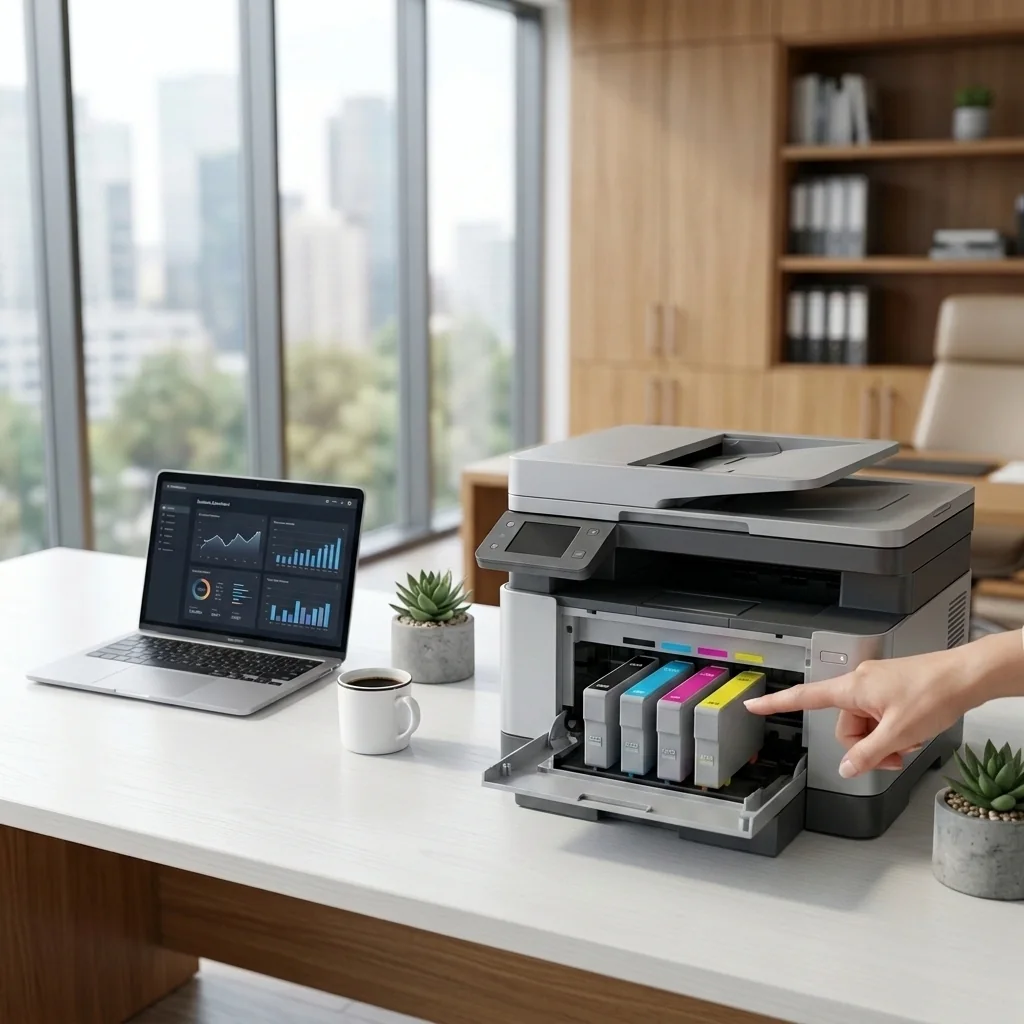
Before you begin
Confirm the printer model, connection method, operating system, and the exact symptom. Keep the printer manual available when possible. Use only controls, covers, and compartments intended for ordinary users.
Step-by-step troubleshooting
- Confirm the exact supply number
Use the printer manual or official product page to verify compatibility.
- Remove protective material
Check for shipping tape, caps, or seals that must be removed before installation.
- Reseat the cartridge
Power down if the manual instructs, remove the cartridge, inspect it, and reinstall it firmly.
- Inspect accessible contacts
Do not scrape contacts. If the manual permits, wipe accessible contacts with a dry lint-free cloth.
- Restart and update
Restart the printer and install trusted firmware only when the update specifically addresses supply recognition.
Verify the result
Repeat the original task using a small test document. Confirm that the printer completes the task consistently, not just once. Reconnect other devices only after the primary device works.
When to stop
Stop if the printer sparks, smells burnt, overheats, has liquid damage, a damaged power cable, grinding noises, or requires major disassembly. Contact a qualified local repair professional or the manufacturer for hardware service.